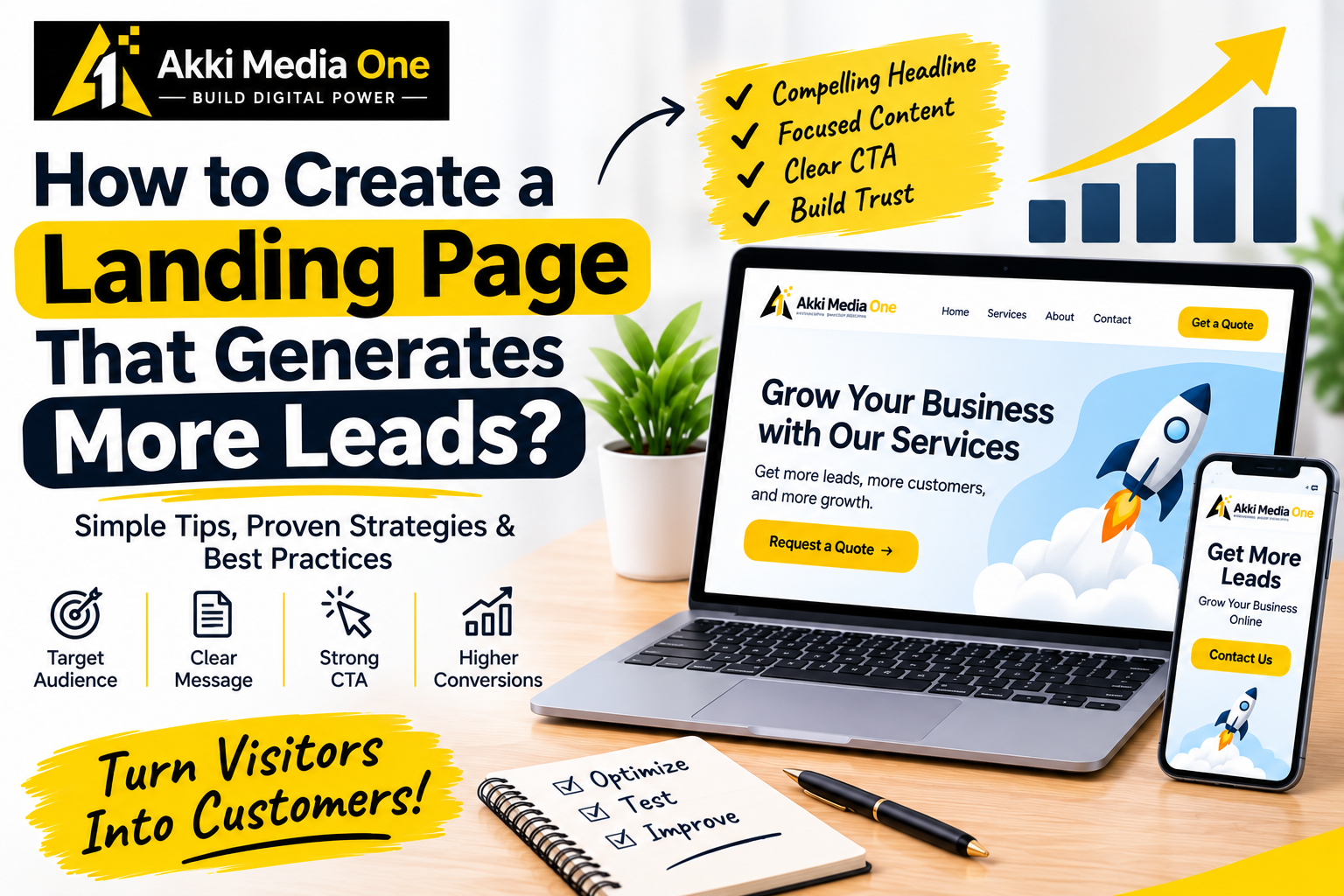
How to Create a Landing Page That Generates More Leads?
A landing page can play an important role in turning website visitors into potential customers. Whether you run Google Ads, Meta Ads, an SEO campaign, or an email marketing campaign, the page visitors reach can influence whether they enquire about your products or services.
However, simply creating a landing page does not guarantee more leads.
Visitors need to understand what you offer, why it may be relevant to them, and what they should do next. If the page is confusing, slow, difficult to use, or unrelated to the advertisement that brought them there, potential customers may leave without taking action.
A well-planned landing page brings together relevant messaging, useful information, a clear call to action, an appropriate form, and a smooth user experience.
In this guide, Akki Media One explains how to create a landing page that supports lead generation, which common mistakes to avoid, and how to measure whether your page is performing effectively.
1. What Is a Landing Page?
A landing page is a webpage designed around a particular visitor need, campaign, or action.
Unlike a general homepage, which may introduce several services and provide multiple navigation options, a campaign landing page often focuses on one main objective.
That objective might be:
-
Generating enquiries for a service.
-
Collecting quotation requests.
-
Booking consultations or demonstrations.
-
Registering participants for an event.
-
Encouraging visitors to download a resource.
-
Generating qualified prospects for a business.
For example, a website development agency running an advertisement for e-commerce website development could direct visitors to a dedicated page explaining its e-commerce services, project process, relevant portfolio, and enquiry form.
This gives visitors information related to the advertisement rather than requiring them to search through an entire website.
Important: A landing page does not necessarily need to be a separate website. It can be a page within your existing website, provided it serves the campaign's objective.
2. Define Your Landing Page Goal Before Designing It
Before choosing colours, writing headlines, or adding forms, decide what the page should achieve.
A landing page designed to generate consultation bookings may require a different structure from one designed to collect downloadable resource requests.
Start by answering three questions:
Who is the target audience?
Identify the people most likely to need your product or service.
What problem are you addressing?
Explain the specific need or challenge your offer helps address.
What action should visitors take?
Choose one primary conversion goal, such as submitting an enquiry form or booking a consultation.
For example, a landing page for business website development might focus on helping companies request a project quotation.
Its primary CTA could be “Request a Website Quote,” supported by information about services, the development process, and the details needed to prepare an estimate.
A clear goal helps keep the page focused and makes performance easier to measure.
3. Write a Clear and Relevant Headline
Your headline should quickly communicate what the page offers.
Visitors should not have to interpret vague slogans or read several paragraphs before understanding the purpose of the page.
For example:
Weak headline: “Transforming the Digital Future.”
More informative headline: “Custom Website Development for Growing Businesses.”
The second headline tells visitors what the service is and who it may be intended for.
Tips for writing a better headline
-
Describe the actual offer.
-
Use language your target audience understands.
-
Match the message in your advertisement or campaign.
-
Avoid exaggerated claims.
-
Focus on the customer's need rather than only describing your company.
You can add a supporting sentence to explain the value of the offer.
For example:
“Build a professional business website with clear service information, responsive design, and an enquiry process tailored to your requirements.”
Only mention features and deliverables your business actually provides.
4. Match the Landing Page to Your Advertisement
One common mistake is sending visitors to a page that does not match the promise made in the advertisement.
Suppose your advertisement promotes SEO services, but the destination page mainly discusses website development.
Visitors may struggle to find the information they expected.
This creates unnecessary friction and may reduce the likelihood of an enquiry.
How to maintain message consistency
Use a relevant headline. The page should reflect the product, service, or offer mentioned in the advertisement.
Maintain consistent wording. Avoid presenting different prices, conditions, or promises across the advertisement and landing page.
Provide the expected information. If an advertisement promotes a free consultation, explain what the consultation involves.
Keep the next step clear. Visitors should know how to claim the offer or contact your business.
For Google Ads campaigns, Google's landing page guidance emphasizes relevance, useful content, and a good visitor experience.
5. Create a Clear and Compelling Call to Action
A call to action (CTA) tells visitors what to do next.
Examples include:
Choose CTA wording that accurately describes the next step.
For a service business, “Request a Quote” may be more appropriate than “Buy Now” if visitors need to discuss their requirements before receiving a price.
CTA best practices
-
Make the primary CTA easy to locate.
-
Use clear and action-oriented wording.
-
Ensure the button works correctly.
-
Make the destination or next step predictable.
-
Repeat the CTA where useful on longer pages.
-
Avoid competing calls to action that distract from the main goal.
Do not assume that changing a button's colour alone will increase conversions. The offer, message, audience, and surrounding page content also matter.
6. Keep the Enquiry Form Simple
The enquiry form is often a critical part of a lead-generation landing page.
A form that requests unnecessary information may discourage visitors from completing it.
For example, a business requesting an initial website development consultation might need a name, contact method, and a brief description of the project. It may not need extensive personal details at this stage.
What should your form include?
The appropriate fields depend on your business and the information needed to respond to an enquiry.
|
Field
|
Purpose
|
|
Name
|
Helps identify the person making the enquiry
|
|
Email or phone
|
Provides a way to respond
|
|
Service required
|
Helps understand the visitor's needs
|
|
Project details
|
Provides useful context when necessary
|
Not every business needs all these fields. Start with the minimum information required to handle the enquiry effectively.
Test the complete form process
Check that:
-
Required fields are clearly marked.
-
Validation messages explain errors.
-
The form works on mobile devices.
-
Successful submissions display a confirmation.
-
Enquiries reach the intended inbox or CRM.
-
Appropriate consent and privacy information is provided where required.
A visually attractive form is not useful if the submission fails or the enquiry never reaches your team.
7. Build Trust With Relevant Evidence
Visitors may hesitate to submit their information if they do not understand who operates the business or whether the service meets their requirements.
A landing page can address these concerns by presenting genuine, relevant information.
Useful trust elements include:
Relevant portfolio examples
Show projects your business actually completed and explain your contribution accurately.
Authentic testimonials
Use genuine customer feedback with appropriate permission.
Clear service information
Explain the scope of the service, the process, and the expected deliverables.
Business contact details
Make it possible for visitors to understand how to contact your company.
Transparent terms
Explain important conditions, pricing factors, or limitations where relevant.
Privacy information
Tell visitors how their enquiry information will be handled.
Avoid fake testimonials, invented client logos, unsupported performance statistics, or claims of guaranteed results.
Trust should be built through evidence and transparency, not manufactured through decorative badges or exaggerated promises.
8. Make Your Landing Page Mobile-Friendly
Visitors may access your landing page from smartphones, tablets, and desktop computers.
If the page is difficult to read or use on a phone, some visitors may abandon the process before completing the desired action.
Mobile optimization checklist
-
Use a responsive page layout.
-
Keep text readable without unnecessary zooming.
-
Make buttons easy to tap.
-
Use forms that work comfortably on smaller screens.
-
Avoid intrusive pop-ups that obstruct important content.
-
Keep navigation and contact options accessible.
-
Ensure images scale correctly.
-
Test the page on actual mobile devices.
Check the full user journey, from opening the landing page to submitting the enquiry form.
Do not rely exclusively on how the page looks in a desktop browser preview.
9. Improve Landing Page Loading Performance
A landing page should load reliably and allow visitors to access the important information without unnecessary delays.
Performance problems may come from large images, inefficient scripts, excessive third-party integrations, hosting limitations, or other technical issues.
Practical improvements
Optimize images. Use appropriately sized images and efficient formats where supported.
Reduce unnecessary scripts. Remove third-party tools or code that do not provide sufficient value.
Review hosting performance. Investigate server response times and reliability.
Test important interactions. Confirm that buttons, forms, and tracking scripts work correctly.
Measure performance. Use Google PageSpeed Insights to identify opportunities to improve loading and user experience.
Google's Core Web Vitals provide measurements related to loading performance, responsiveness, and visual stability. These metrics are useful diagnostic tools, but improving them does not guarantee a specific conversion rate.
10. Use Content That Helps Visitors Make a Decision
A landing page should provide enough information for visitors to understand the offer and decide whether to proceed.
Too little information may leave important questions unanswered. Too much irrelevant content may make the main message difficult to find.
The right balance depends on the complexity of the product or service.
For a straightforward offer
A shorter page may work well if it clearly explains the offer, the benefits, and the next step.
For a complex or high-value service
Visitors may need more information about:
Organize information using descriptive headings, short paragraphs, and lists where appropriate.
For example, a business website development landing page could explain the available website types, the information required to start a project, and the factors that influence development costs.
Do not add content simply to make the page longer. Include information that helps the intended audience make an informed decision.
11. Add Relevant Visuals Without Distracting Visitors
Images, illustrations, diagrams, and short videos can help explain an offer, demonstrate a product, or show how a service works.
However, visuals should support the message rather than compete with it.
Choose visuals carefully
-
Use genuine product or project images where possible.
-
Keep decorative graphics relevant to the offer.
-
-
Add meaningful alternative text to informative images.
-
Avoid using text-heavy images as the only source of important information.
-
Ensure visuals do not obscure the primary CTA.
For a service landing page, a relevant project screenshot or genuine portfolio image may be more informative than a generic stock photograph.
12. Use SEO Where It Supports Your Landing Page
Some landing pages are designed primarily for paid advertising, while others are intended to attract organic search traffic. A page may serve both purposes, depending on its design and content.
If organic search visibility matters, apply relevant SEO fundamentals.
On-page SEO recommendations
Use a descriptive title tag. Accurately describe the page's main offer.
Write a useful meta description. Summarize the page so potential visitors understand what they may find.
Use clear headings. Organize the content around the information visitors need.
Include relevant terminology naturally. Use the words your audience uses when searching for the service.
Add useful internal links. Link to relevant service details, portfolio examples, or supporting articles.
Make the page technically accessible. Ensure search engines can access and index the page where appropriate.
Avoid duplicate or thin pages. Each page should have a clear purpose and provide meaningful information.
Google's Search Essentials and people-first content guidance provide a useful foundation for these practices.
SEO is not a substitute for a clear offer or a usable conversion process. A page can rank in search results and still generate few enquiries if it does not meet visitor needs.
13. Track Landing Page Conversions Correctly
You cannot reliably improve performance if you do not know what visitors are doing.
Before launching a campaign, decide which actions count as conversions.
For a lead-generation business, these may include:
-
Successful enquiry submissions.
-
-
-
-
Qualified leads recorded in a CRM.
Avoid counting every button click as a completed lead.
Metrics to monitor
|
Metric
|
What It Helps You Understand
|
|
Landing page sessions
|
How many visits the page receives
|
|
Conversion rate
|
The proportion of visits or users that complete the defined conversion
|
|
Cost per lead
|
How much advertising spend is associated with each lead
|
|
Qualified lead rate
|
The proportion of leads meeting your criteria
|
|
Cost per qualified lead
|
The acquisition cost of a qualified lead
|
|
Lead-to-customer rate
|
How often leads become paying customers
|
Define each metric consistently before comparing results.
For example, conversion rate calculated from completed forms divided by sessions is not necessarily equivalent to conversion rate calculated from unique users.
Use Google Analytics, advertising platform reporting, and your lead management system where appropriate.
Google's conversion measurement guidance explains how businesses can track actions that matter to their objectives.
14. Test and Improve Your Landing Page
Landing page optimization is an ongoing process.
Instead of changing many elements at once and assuming the result is better, identify a specific problem and test an appropriate improvement.
Examples include:
-
Making the headline more specific.
-
Clarifying the main offer.
-
Simplifying the enquiry form.
-
Improving the placement of the primary CTA.
-
Adding relevant project examples.
-
Correcting mobile usability issues.
Where sufficient traffic is available, a controlled A/B test can help compare two versions of a page or a particular element.
For a meaningful comparison, define the primary metric in advance and avoid drawing strong conclusions from very small samples.
If you do not have enough traffic for a reliable experiment, use usability testing, form testing, and qualitative feedback to identify clear problems first.
There is no universal headline, button colour, or form length that guarantees better performance for every business.
15. Common Landing Page Mistakes to Avoid
Mistake 1: Sending Every Visitor to the Homepage
A homepage may contain too many different services or messages for a specific campaign.
Use a relevant landing page when it helps visitors find the information they expect.
Mistake 2: Making Unsupported Promises
Claims such as guaranteed rankings or guaranteed lead volumes can create unrealistic expectations.
Explain what your business can deliver and which outcomes depend on external factors.
Mistake 3: Asking for Too Much Information
Unnecessary form fields can create friction. Request information that is genuinely useful at the current stage.
Mistake 4: Ignoring Mobile Users
A page that works on desktop may still have unusable forms, tiny buttons, or layout problems on mobile devices.
Mistake 5: Forgetting Conversion Tracking
Without reliable measurement, you may not know whether changes improve the number or quality of enquiries.
Mistake 6: Optimizing for Clicks Instead of Business Outcomes
A page may receive many CTA clicks without generating completed forms or qualified leads.
Measure meaningful actions rather than relying on surface-level engagement alone.
Mistake 7: Copying Another Business's Landing Page
Another company's page may target a different audience, offer, price point, or conversion goal.
Learn from good design practices, but build your page around your own customers and services.
16. A Practical 30-Day Landing Page Improvement Plan
Week 1: Plan and Audit
-
Define the primary conversion goal.
-
Identify the target audience.
-
Review the existing landing page.
-
Check the message against the advertisement.
-
Test the form and conversion tracking.
Week 2: Improve the Page
-
Write a clear headline and supporting message.
-
-
Remove unnecessary form fields.
-
Add relevant service information and genuine trust signals.
-
Week 3: Test Technical Performance
-
Review loading performance.
-
Optimize large images where necessary.
-
Fix broken links and interactions.
-
Confirm that enquiries are delivered correctly.
-
Review relevant analytics events.
Week 4: Measure and Refine
-
Compare performance with the earlier baseline.
-
Review completed enquiries and lead quality.
-
Identify major points of friction.
-
Test a focused improvement where practical.
-
Plan the next changes based on evidence.
This is a practical framework, not a guarantee of more leads within 30 days. Results depend on traffic quality, offer relevance, audience needs, and the page's starting condition.
17. Frequently Asked Questions
Q1. What is the main purpose of a landing page?
A landing page is designed around a particular campaign, offer, or visitor action. For a service business, its purpose may be to generate enquiries, quotation requests, consultation bookings, or other meaningful conversions.
Q2. How do I create a landing page that generates leads?
Define your audience and goal, write a clear headline, explain the offer, provide relevant evidence, use a clear CTA, simplify the enquiry process, and measure conversions. Then improve the page based on actual visitor behaviour.
Q3. How many fields should a landing page form have?
There is no universal ideal number. Include the minimum information needed to respond effectively and qualify the enquiry. Test whether additional fields provide enough business value to justify the extra effort required from visitors.
Q4. Should a landing page have a navigation menu?
It depends on the page's purpose and audience. A focused campaign page may benefit from fewer distractions, but visitors may still need access to relevant information, contact details, or policies. Choose the structure that best supports the user journey.
Q5. Can a landing page rank on Google?
Yes, a landing page may appear in organic search results if it is eligible and relevant to a query. Its visibility depends on factors such as content quality, technical accessibility, relevance, competition, and Google's systems. Ranking is not guaranteed.
Q6. Is a landing page necessary for Google Ads?
A dedicated landing page is not mandatory for every campaign, but a relevant destination can make it easier for visitors to find the information promised in an advertisement. The appropriate page depends on the campaign and user intent.
Q7. How do I measure landing page success?
Measure the conversion actions that matter to your business, such as completed enquiry forms or qualified leads. Also review traffic quality, cost per lead, and the proportion of enquiries that become customers.
Q8. Does a better design automatically generate more leads?
No. Design can improve readability and usability, but results also depend on the offer, audience, messaging, relevance, trust, and conversion process. Measure actual outcomes rather than assuming that a visually attractive page will perform better.
Conclusion
A landing page should make it easy for suitable visitors to understand your offer and decide what to do next.
Start with a clear objective, match your message to the visitor's needs, provide useful information, build trust with genuine evidence, and make the enquiry process straightforward.
Then test the page on desktop and mobile, verify that conversion tracking works, and use real performance data to guide improvements.
There is no single landing page design that guarantees more leads for every business. The most effective approach is to understand your audience, remove unnecessary friction, and continually improve the visitor experience.
Want to improve your landing page and lead generation strategy?
Akki Media One provides website development, digital marketing, and conversion rate optimization services for businesses looking to strengthen their online presence.
Explore our Conversion Rate Optimization services, learn about our WordPress website development services, or contact Akki Media One to discuss your requirements.
3. Internal linking — Actual Akki Media One URLs
Add these links naturally within the relevant sections of the article.
4. Credible external sources
-
-
-
-
Use these references to support the relevant technical and content recommendations.